
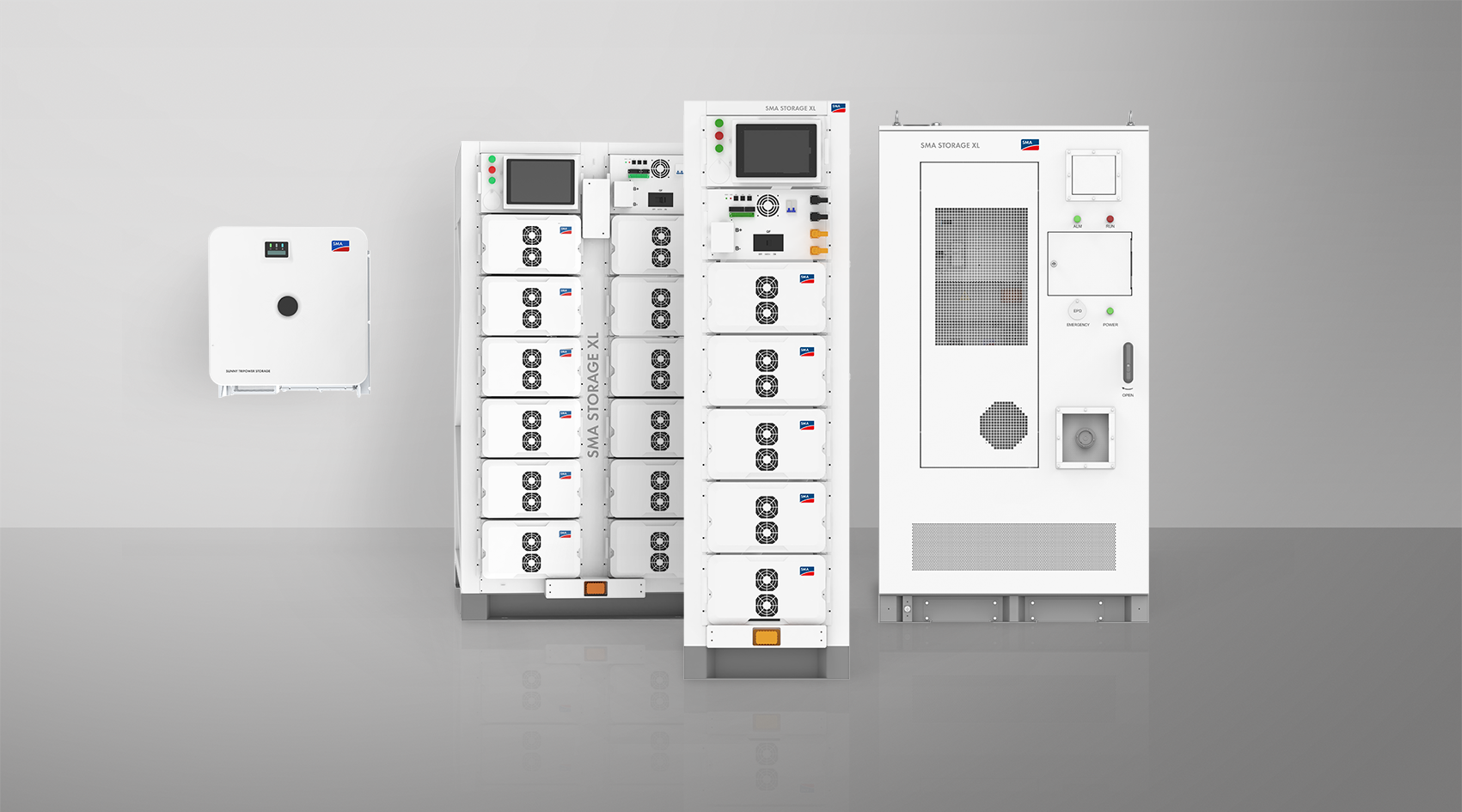
System Manual
SMA STORAGE XL PACKAGE
CSS-89-IN-30-30 / CSS-89-IN-50-30 / CSS-197-IN-50-30 / CSS-107-OUT-30-30 / CSS-107-OUT-50-30 / CSS-197-OUT-50-30
- Information on this Document
- Safety
- Scope of Delivery
- Additionally Required Materials and Equipment
- Product overview
- System Components
- Device function
- System overview
- Design of the Inverter
- Interfaces and Functions of the Inverter
- User Interface
- SMA Speedwire
- Wi-Fi connection to SMA 360° app and SMA Energy app
- Device Key (DEV KEY)
- Modbus
- Grid Management Services
- Integrated Plant Control
- Increased self-consumption
- Peak load shaving
- Multiuse
- Module slot
- SMA I/O modules
- Grid and PV system protection in accordance with VDE-AR-N 4105
- Ripple control receiver
- User Interface
- Battery Interfaces and Functions
- Battery Use by the Inverter
- LED Signals of the Inverter
- Symbols on the Inverter
- Design of the Indoor Version of the Battery Cabinet
- Design of the Outdoor Version of the Battery Cabinet
- Modular Extension of the Battery Cabinet
- Battery Cabinet LED Signals
- Symbols on the battery cabinet
- Information on the Battery Cabinet
- Information on the High-Voltage Box
- Information on the Battery Module
- System Components
- Transport of the battery cabinet
- Mounting and Preparing the Connection
- Requirements for Mounting
- Product Mechanical Data
- Installation Plans for the Indoor Version of the Battery Cabinet
- Installation Plans for the Outdoor Version of the Battery Cabinet
- Requirements for the mounting location of the inverter
- Permitted and Prohibited Inverter Mounting Positions
- Inverter Mounting Dimensions
- Recommended Inverter Mounting Clearances
- Requirements on the Installation Site of the Battery Cabinet
- Installation Dimensions for the Indoor Version of the Battery Cabinet
- Requirements on the Foundation for the Outdoor Version of the Battery Cabinet
- Design of the Foundation for the Outdoor Version of the Battery Cabinet
- Product Mechanical Data
- Inverter Connecting Plate
- Inverter Center of Gravity
- Mounting Procedure
- Mounting the Inverter
- Mounting the Battery
- Mounting the DC Distributor
- Requirements for Mounting
- Electrical Connection
- Wiring Overview with One Battery Inverter
- Connecting the Battery via a DC Distributor
- Requirements for the electrical connection
- Residual-current monitoring unit (RCMU)
- Overvoltage category
- Load-break switch and cable protection
- Equipotential Bonding
- Requirements on the AC cable for the inverter
- Requirements on the AC cable for the battery cabinet
- Requirements for the Cable Connection with Terminal Lugs
- Network cable requirements
- Battery data cable requirements
- Laying plan for network and battery data cables
- Ripple control receiver and external I/O system
- DC cable requirements
- Residual-current monitoring unit (RCMU)
- Electrical Connection Procedure with a Single Battery Cabinet
- Electrical Connection Procedure with Multiple Parallel-Connected Battery Cabinets
- Connecting the Inverter
- Connecting the Battery Cabinet
- Connecting the DC Distributor
- Wiring Overview with One Battery Inverter
- Commissioning
- Procedure for commissioning as System Manager
- Procedure for commissioning as a subordinate device
- Commissioning the Battery
- Safety when Commissioning the Battery
- Commissioning procedure for a single battery cabinet
- Commissioning procedure for multiple battery cabinets
- Switching the battery cabinet on
- CMV Measurement
- Commissioning an Individual Battery Cabinet
- Setting options for the parallel operation of multiple battery cabinets
- Configuring secondary battery cabinets
- Configuring the primary battery cabinet with multiple battery cabinets
- Commissioning multiple battery cabinets
- Safety when Commissioning the Battery
- Checking the Mounting and Connection Work
- Switching the Inverter On
- Procedure for commissioning as System Manager
- Operation
- Disconnecting from voltage sources
- Cleaning and Maintenance
- Safety Information for Cleaning and Maintenance
- Maintenance Interval
- Cleaning and Maintenance Materials
- Torques
- Cleaning and Maintenance Procedure
- Checking Electrical Connections
- Checking the battery control panel
- Performing a visual inspection of the battery and cleaning where necessary
- Documenting the System Status
- Cleaning the fans of the inverter
- Checking the fans of the inverter
- Safety Information for Cleaning and Maintenance
- Troubleshooting
- Displaying Event Messages
- Inverter Event Messages
- Event 101
- Event 102
- Event 103
- Event 105
- Event 202
- Event 203
- Event 206
- Event 301
- Event 401
- Event 404
- Event 501
- Event 601
- Event 701
- Event 1302
- Event 3302
- Event 3303
- Event 3401
- Event 3501
- Event 3523
- Event 3601
- Event 3701
- Event 3901
- Event 3902
- Event 6001-6499
- Event 6501
- Event 6502
- Event 6509
- Event 6511
- Event 6512
- Event 6602
- Event 6603
- Event 6802
- Event 6804
- Event 6805
- Event 7702
- Event 7703
- Event 7727
- Event 7728
- Event 7801
- Event 8003
- Event 8104
- Event 9002
- Event 9003
- Event 9101
- Event 9102
- Event 9107
- Event 9303
- Event 9307
- Event 9308
- Event 9311
- Event 9312
- Event 9313
- Event 9314
- Event 9315
- Event 9316
- Event 9350
- Event 9351
- Event 9352
- Event 9353
- Event 9369
- Event 9392
- Event 9393
- Event 9394
- Event 9395
- Event 10816
- Event 10817
- Event 10818
- Event 10819
- Event 101
- Battery Event Messages
- Event E001
- Event E002
- Event E003
- Event E004
- Event E005
- Event E006
- Event E007
- Event E008
- Event E009
- Event E010
- Event E011
- Event E012
- Event E013
- Event E014
- Event E015
- Event E016
- Event E017
- Event E018
- Event E019
- Event E020
- Event E021
- Event E022
- Event E023
- Event E024
- Event E025
- Event E026
- Event E027
- Event E028
- Event E029
- Event E030
- Event E031
- Event E032
- Event E033
- Event E034
- Event E035
- Event E036
- Event E037
- Event E038
- Event E039
- Event E040
- Event E041
- Event E042
- Event E043
- Event E044
- Event E045
- Event E046
- Event E047
- Event E048
- Event E049
- Event E050
- Event E051
- Event E052
- Event E053
- Event E054
- Event E055
- Event E056
- Event E057
- Event E058
- Event E059
- Event E060
- Event E061
- Event E062
- Event E063
- Event E064
- Event E065
- Event E066
- Event E067
- Event E068
- Event E069
- Event E070
- Event E071
- Event E072
- Event E073
- Event E074
- Event E075
- Event E076
- Event E077
- Event E078
- Event E079
- Event E080
- Event E081
- Event E082
- Event E083
- Event E084
- Event E085
- Event E086
- Event E087
- Event E088
- Event E089
- Event E090
- Event E091
- Event E092
- Event E093
- Event E094
- Event E095
- Event E096
- Event E097
- Event E098
- Event E099
- Event E100
- Event E101
- Event E102
- Event E103
- Event E104
- Event E105
- Event E106
- Event E107
- Event E108
- Event E109
- Event E110
- Event E111
- Event E001
- Battery end of life
- Replacing the Surge Arrester
- Displaying Event Messages
- Decommissioning
- Replace the inverter with a replacement device
- Extension of the Battery
- Storage
- Disposal
- Technical Data
- Accessories
- EU Declaration of Conformity
- Contact